

Home Assistant · AI
AI in Home Assistant: local LLMs, cloud agents, voice, MCP and cameras
Every way to use AI in Home Assistant in 2026: Ollama, OpenAI, Gemini and Claude agents, the MCP server and AI Tasks, compared on cost and privacy.
You don’t need AI to run Home Assistant, and its built-in voice assistant, Assist, works without any. When you do want it, there are four main routes. A local model through Ollama keeps everything in your house. A cloud conversation agent (OpenAI, Google Gemini or Anthropic’s Claude) is smarter and faster but sends your requests to that company and needs an API key. The built-in MCP server lets an outside AI app, like Claude, read and control your home. AI Tasks let automations ask a model to summarize, classify or describe something, including a camera snapshot. Most homes end up combining Assist’s local commands with one of the agents for anything Assist doesn’t understand.
The options at a glance
| Option | Where the AI runs | What it costs | What leaves your house | What it’s good for | Our guide |
|---|---|---|---|---|---|
| Assist without an LLM | Home Assistant | Free | Nothing (with local speech engines) | Fixed commands: “turn off the kitchen lights” | — |
| Ollama (local LLM) | A computer you own | Hardware and electricity | Nothing | Private, open-ended questions about your home | Run a local LLM with Ollama |
| OpenAI conversation agent | OpenAI’s cloud | Pay-as-you-go API (Home Assistant’s docs: “a paid service”) | Your request and the exposed entities’ names and states | Fast, capable replies | Coming soon |
| Google Gemini conversation agent | Google’s cloud | API key. Free of charge if the Google Cloud project has no billing, pay-as-you-go if it does (per Home Assistant’s docs) | Same as above | A low-cost way to try a cloud model | Coming soon |
| Anthropic (Claude) conversation agent | Anthropic’s cloud | Pay-as-you-go API (Home Assistant’s docs: “a paid service”) | Same as above | Capable replies, PDF and image tasks | Coming soon |
| MCP server | The AI app’s cloud (for Claude or ChatGPT) | The AI app’s plan | Whatever you expose, to the AI app | Controlling your home from Claude, ChatGPT or other MCP apps | MCP server setup |
| AI Tasks | Whichever agent you pick | Depends on the agent | Whatever the task sends, such as a camera image | Automations that need a summary, a count or a description | Coming soon |
A cloud API key isn’t the same as a chat subscription. Home Assistant’s OpenAI and Anthropic docs both have you enable billing with a credit card on the company’s developer portal and generate a key there, and both advise you to watch your costs in that portal. OpenAI’s help center spells it out: “API usage is billed separately from your ChatGPT subscription.”
How the pieces fit together
Assist is the front door. You talk or type, and Assist matches what you said against its built-in and custom sentences. With an LLM conversation agent added to an assistant, anything Assist doesn’t recognize can go to the model instead. Home Assistant’s docs call this preferring to handle commands locally: “if the intent can be answered by Home Assistant it will”, quickly and without the model. Turn it on for every assistant that uses an LLM. Your everyday commands stay instant and free.
Conversation agents (Ollama, OpenAI, Gemini, Anthropic) are the models behind that fallback. Each one has a Control Home Assistant option. Set it to Assist and the model can control and report on the entities you’ve exposed to Assist, and only those. Leave it off and the agent can chat but can’t touch your devices.
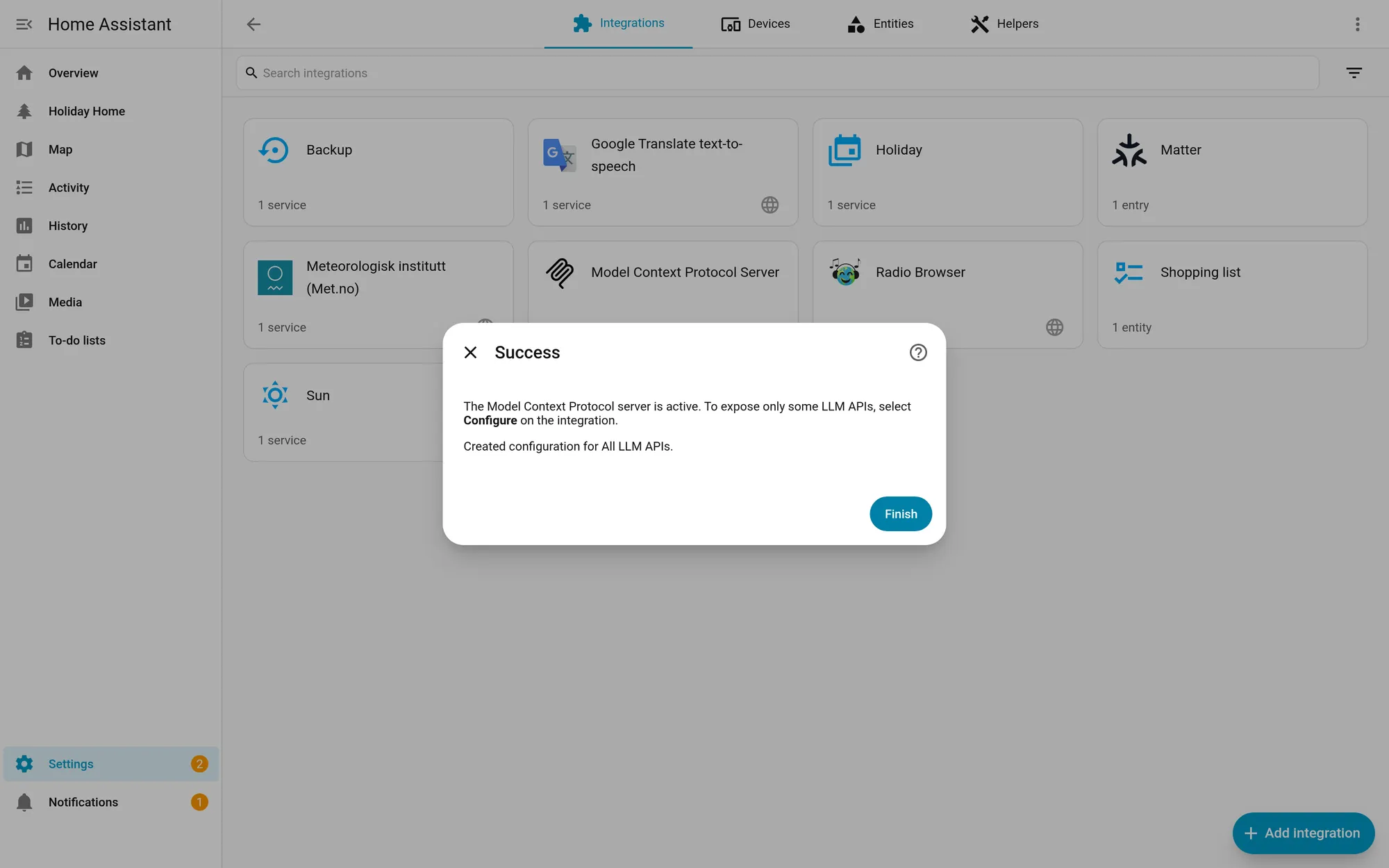
The MCP server works the other way around. Instead of Home Assistant calling a model, an AI app on your computer or in the cloud connects to Home Assistant and uses its tools. Home Assistant 2026.10 made it a one-click setup under Settings > System > AI. Our MCP guide covers it, including why Claude and ChatGPT need your Home Assistant reachable from the internet.
AI Tasks (added in Home Assistant 2025.7) put a model inside automations. The ai_task.generate_data action asks a model for text or structured data, and ai_task.generate_image asks it for an image. Home Assistant’s docs show a task that counts the birds in a chicken-coop camera snapshot and feeds the number into a sensor.
Which one should you pick?
You want privacy above everything: Ollama, with a fully local voice pipeline (Speech-to-Phrase or Whisper for speech-to-text, Piper for text-to-speech). Nothing leaves your network. Expect slower and less reliable answers than a cloud model unless you have a capable GPU. Home Assistant recommends exposing fewer than 25 entities to local models.
You want it to just work, and a small bill is fine: a cloud conversation agent with local commands preferred. Assist handles “turn on the porch lights” itself, and only the unusual requests cost anything.
You already live in Claude or another AI app: the MCP server. Start with a narrow set of exposed entities, as our guide explains, and keep locks and garage doors out of it.
You want smarter automations, not a chatbot: AI Tasks. A doorbell snapshot described in one sentence and sent to your phone is a good first project. Choose a local model if the camera points at anything private.
What to keep away from AI
Home Assistant’s docs on exposing entities say exposure exists so that sensitive devices, “such as locks and garage doors”, can’t be controlled by accident. That advice applies to every option on this page. A model can misunderstand a request. Expose lights, plugs, media players and sensors; keep locks, garage doors and alarm panels out, or require a confirmation step through an automation you control.
What’s changing
- Home Assistant Cloud is becoming Home Assistant Link. The 2026.10 release notes say the rename is “planned for the December release” and that it’s the “same service, new name”. Cloud provides speech-to-text and text-to-speech for Assist if you don’t want to run local voice apps.
- The AI settings page moved. In 2026.10 the AI tasks page under Settings > System was renamed AI and gained the Model Context Protocol card.
Every guide in this series
- Connect Claude or ChatGPT with the built-in MCP server
- Run a local LLM with Ollama
- OpenAI vs Gemini vs Claude as a conversation agent (coming soon)
- AI camera alerts with AI Tasks (coming soon)
- Fully local Assist voice pipeline (coming soon)
- Best mini PC for running Ollama next to Home Assistant (coming soon)
- Local vs cloud AI: privacy and cost (coming soon)
How pages like this are made: How we work.
Sources
- Home Assistant docs: Ollama integration
- Home Assistant docs: OpenAI integration
- Home Assistant docs: Google Gemini integration
- Home Assistant docs: Anthropic integration
- Home Assistant docs: Model Context Protocol Server integration
- OpenAI Help Center: Managing billing for ChatGPT and the API platform
- Home Assistant docs: AI Task integration
- Home Assistant docs: Exposing entities to Assist
- Home Assistant docs: Voice control (Assist)
- Home Assistant docs: Set up a fully local voice assistant
- Home Assistant docs: Create a personality with AI
- Home Assistant 2026.10 release notes