


Buying guides · Radios
Best Thread border router for Home Assistant (2026): research guide
Which Thread border router to use with Home Assistant: ZBT-2, SMLIGHT, Apple TV, HomePod, Nest and Echo compared on compatibility, Thread 1.4 and price.
Some links on this page are affiliate links. If you buy through them, we earn a commission. The price you pay does not change. Affiliate disclosure.
As an Amazon Associate we earn from qualifying purchases.
There’s no single best Thread border router for Home Assistant. The right one depends on what’s already in your house:
- Home Assistant only, or no cloud accounts: a Home Assistant Connect ZBT-2 (official page, Amazon) running the OpenThread Border Router app ($).
- Apple household: the HomePod mini, HomePod (2nd gen) or Thread-capable Apple TV 4K you may already own. Share its network with Home Assistant from the iOS Companion app.
- Google household: a Nest Hub (2nd gen), Nest Hub Max, Nest Wifi Pro or Google TV Streamer (4K). Share its network from the Android Companion app.
- Alexa household: Echo border routers such as the Echo Hub work for Alexa, but Home Assistant documents no way to import their credentials, so plan on a separate Home Assistant network.
Details and caveats for each are in Picks by situation below.
This is a research guide. We haven’t used these devices ourselves. Everything below comes from manufacturer documentation, Home Assistant’s official docs and changelogs, and community reports, all linked.
What a border router does, and whether you need one
A Thread border router connects your Thread mesh of low-power devices to the rest of your home network over Wi-Fi or Ethernet. It forwards packets but doesn’t control anything. Matter, the smart home standard from the Connectivity Standards Alliance, or Apple HomeKit does the controlling, and in Matter’s case the traffic the border router passes along is encrypted. Thread itself is a low-power IPv6 mesh network maintained by the Thread Group.
If a Matter device uses Thread, you need at least one border router. Without one, Home Assistant’s Companion app stops with “this device requires a border router.” Thread can use several border routers in one network, which adds coverage and removes a single point of failure. The catch, covered below, is that different brands usually create separate networks.
Pairing trouble already? Start with our explainer: Why Matter-over-Thread devices won’t pair with Home Assistant.
Compatibility at a glance
“Native” means the border router belongs to that platform. “Joins via import” means Home Assistant’s docs describe joining that platform’s existing Thread network by importing its credentials. A dash means we found no documentation either way.
| Option | Home Assistant | Apple Home | Google Home | Alexa | Thread version (as documented) | Getting credentials into HA | Price tier |
|---|---|---|---|---|---|---|---|
| Home Assistant Connect ZBT-2 (Amazon) + OpenThread Border Router app | Native | Joins via import | Joins via import | — | Thread 1.4 is the stable default since app 3.0.0 | Built in. App 3.3.0 adds Thread 1.4 credential sharing from its web UI | $ |
| SMLIGHT SLZB-06M or SLZB-MR series (Thread firmware on the Silicon Labs radio) + OpenThread Border Router app | Works over USB or Ethernet (SMLIGHT manual) | Joins via import | Joins via import | — | Set by the Home Assistant app it runs with | Built in, same as ZBT-2 | $–$$ |
| HomePod mini, HomePod (2nd gen), Apple TV 4K (2nd gen), Apple TV 4K (3rd gen) Wi-Fi + Ethernet | Third-party border router | Native | — | — | Thread 1.4 reported in the tvOS 27 developer beta (The Verge); not in Apple’s public release notes | iOS Companion app: Send credentials to Home Assistant | $$–$$$ |
| Nest Hub (2nd gen), Nest Hub Max, Nest Wifi Pro, Google TV Streamer (4K) | Third-party border router | — | Native | — | Google TV Streamer reported on Thread 1.4 (The Verge) | Android Companion app: Send credentials to Home Assistant | $$–$$$ |
| Google Home Speaker (2026) | Not yet in Home Assistant’s border router list | — | Native (Google’s list) | — | Not documented | Not documented | $$ |
| Amazon Echo and eero border routers, e.g. Echo (4th gen), Echo Hub, eero 6 | Not documented | — | — | Native | Thread 1.1 on Echo (4th gen), 1.3 on the others (Amazon developer docs) | No documented path | $$–$$$ |
Price tiers, not quotes. $ is a USB or Ethernet radio, usually under $75. $$ is a speaker, a display, or a streamer, usually about $75 to $200. $$$ is a higher-end speaker, a TV box, or a mesh kit, usually over $200. Check the current price before you buy. For current discounts, see our Black Friday smart home deals page.
A few details the table can’t hold:
- Apple TV models. Apple’s support pages list only the Apple TV 4K (3rd generation) Wi-Fi + Ethernet and the Apple TV 4K (2nd generation) as Thread-enabled. The cheaper Wi-Fi-only 3rd-gen model isn’t on the list.
- iPhone pairing. An iPhone 15 Pro or later on iOS 18 can pair Thread accessories directly, Apple says, but you still need a Thread-enabled home hub or a third-party border router for automations, notifications and remote control.
- Nest Wifi. Home Assistant’s docs list the original Nest Wifi as a border router, and one older Google page does too. Google’s current Matter page lists only the Nest Wifi Pro (Wi-Fi 6E) among its routers. Check before relying on an original Nest Wifi.
- ZBT-2 does one protocol at a time. Home Assistant’s ZBT-2 FAQ says it “cannot do both Zigbee and Thread simultaneously” and that Home Assistant doesn’t plan to add multiprotocol, because in their experience it doesn’t work well. If you use Zigbee too, plan on two radios. (A forum reply in October said the ZBT-2 “handles both”; the official FAQ says otherwise.)
- SMLIGHT MR series does both at once. SMLIGHT says its MR models (SLZB-MR1, MR2 and MR3) carry two separate radios, a Silicon Labs chip (EFR32MG21 in the MR1 and MR2, EFR32MG24 in the MR3) and a Texas Instruments chip, so one box can run Zigbee and a Thread border router at the same time. SMLIGHT’s MR FAQ calls Thread on the Silicon Labs chip and Zigbee on the Texas Instruments chip the base setup, so put Thread on the Silicon Labs radio. The single-radio SLZB-06M also uses a Silicon Labs chip (EFR32MG21).
Apple’s October 13 announcements
Apple announced a HomePod mini 2 ($$, available October 30) and a new Apple TV 4K (4th generation, $$$, available November 13) on October 13, 2026. Both spec pages list “Thread networking technology,” compatible with HomeKit- or Matter-enabled Thread accessories. As of October 21, though, Apple’s border router support pages still list only the older models, and Home Assistant’s docs don’t list the new ones yet. We’ll call them border routers once Apple documents it.
One network or several: credential sharing and Thread 1.4
Each brand sets up its own Thread network the first time you use its products. Home Assistant’s docs put it plainly: you can end up with a Home Assistant network, an Apple network and a Google network in one house, all with different credentials, and devices can’t roam between them. A single, larger mesh gives better coverage and faster responses.
There are two ways to get closer to one network today:
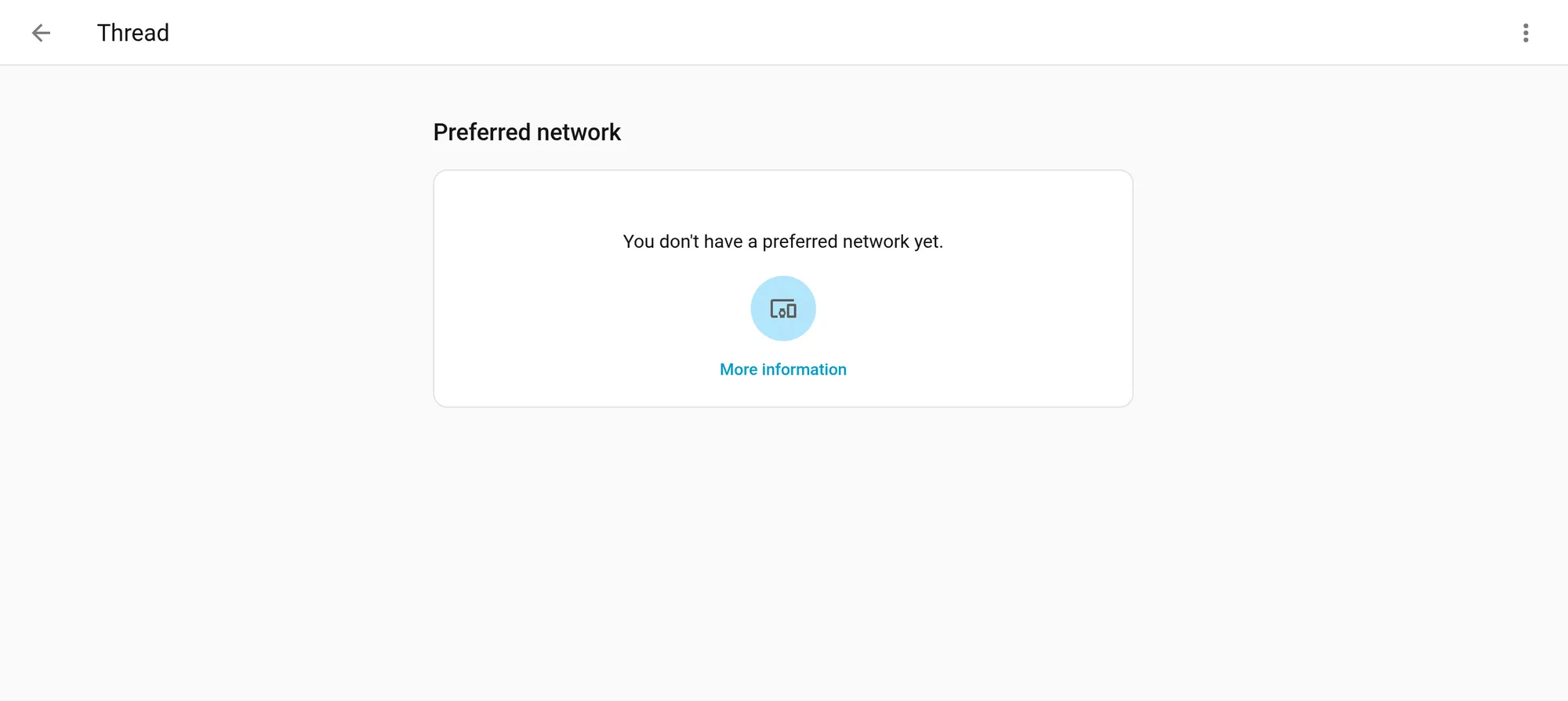
- Bring Home Assistant to an existing network. Import the Apple or Google network’s credentials with the Companion app, make it your preferred network, then add the OpenThread Border Router app. If the radio doesn’t have a network yet, it joins your preferred one instead of creating a new
ha-thread-xxxxnetwork. - Pick one network and add devices only there. Make it your preferred network, sync its credentials to your phone, and pair everything to it.
Thread 1.4 was supposed to fix this. The Thread Group’s 1.4 white paper defines a standard credential-sharing procedure for border routers. Once a user authenticates, the border router shows a one-time passcode that another ecosystem can use to receive the network credentials. Silicon Labs’ Thread 1.4 documentation says the Thread 1.3 border router certification program was sunset at the end of 2025, so new border router certifications are for Thread 1.4.
The reality as of October 2026 is patchy:
- Home Assistant’s OpenThread Border Router app 3.3.0 can share credentials this way from its web UI.
- The Verge reported in June that the Google TV Streamer had Thread 1.4 and a credential-sharing option that didn’t work in its tests, and that the Apple TV ran 1.4 in the tvOS 27 developer beta with no sharing option in the interface.
- Amazon’s developer docs still list its border routers as Thread 1.1 or 1.3.
So treat Thread 1.4 as a good sign, not a reason to buy. The import steps above remain the documented path.
Known issues to plan around
- IKEA Matter-over-Thread onboarding. IKEA’s first Matter-over-Thread devices have well-documented pairing problems across platforms. Our pairing explainer collects the fixes.
- Networks that don’t match between phone and Home Assistant. When your phone’s preferred Thread network differs from Home Assistant’s, pairing hangs or fails. GitHub issue #166782 also includes a report of the OpenThread Border Router app creating a new
ha-thread-xxxxnetwork after a radio reset, which left the iPhone app saying the credentials didn’t match any active Thread network. - No firmware updates while Apple border routers are on the network. Home Assistant’s Matter docs say: “Home Assistant Matter updates currently don’t work for Thread devices on a Thread network with (any) Apple border routers.” If Apple border routers are your only ones, you can’t update from Home Assistant, and the docs suggest adding another border router. If you have a mix, the documented workaround is to power down all the Apple border routers, wait at least 30 minutes, then try the update again.
- Chip family matters for DIY radios. One forum user reported that a Texas Instruments-based Sonoff dongle crashed when used with the OpenThread Border Router app. The ZBT-2 uses a Silicon Labs chip. Check that a third-party radio documents Thread support with Home Assistant before you buy it.
Picks by situation
You run Home Assistant only, or want no cloud accounts involved: get a Connect ZBT-2 and dedicate it to Thread with the OpenThread Border Router app. Home Assistant creates and controls the network, the credentials stay on your hardware, and you get Thread 1.4 through app updates. If you also need Zigbee and want one box, look at the SMLIGHT MR series over Ethernet and run Thread on its Silicon Labs radio.
You’re mostly an Apple household: you may already own a border router, either a HomePod mini, a HomePod (2nd gen) or a Thread-capable Apple TV 4K. Import its credentials with the iOS Companion app. Adding a ZBT-2 to the same network gives you a border router you control, but it doesn’t fix firmware updates on its own. Per Home Assistant’s Matter docs, updates from Home Assistant fail while any Apple border router is on the network, so you’d power the Apple ones down for at least 30 minutes each time you update.
You’re mostly a Google household: a Nest Hub (2nd gen), Nest Hub Max, Nest Wifi Pro or Google TV Streamer works. Import its credentials with the Android Companion app. If pairing hangs, see the stale-credentials notes in our explainer.
You use Alexa: Echo border routers serve Alexa well, but Home Assistant documents no way to import their credentials. Run a separate Home Assistant Thread network on a ZBT-2. Matter devices can belong to more than one platform at once (multi-admin), but Home Assistant’s sharing instructions cover only Apple Home and Google Home, so check whether the Alexa app offers sharing for your device.
You’re waiting on Apple’s new hardware: hold off on calling the HomePod mini 2 or the new Apple TV 4K a border router for Home Assistant until Apple and Home Assistant document it. We’ll update this guide when they do.
How pages like this are made: How we work.
Sources
- Home Assistant docs: Thread integration
- Home Assistant docs: Matter integration
- Home Assistant: Connect ZBT-2 product page and FAQ
- Home Assistant OpenThread Border Router app changelog
- SMLIGHT: SLZB models overview
- SMLIGHT: SLZB MR Series FAQ
- SMLIGHT: Connecting a Matter-over-Thread device to Home Assistant
- Apple Support: Set up HomePod or Apple TV as a home hub
- Apple Support: 'Thread Border Router Required' alert
- Apple Newsroom: Apple announces the next generation of HomePod mini (Oct 13, 2026)
- Apple Newsroom: Apple unveils the new Apple TV 4K (Oct 13, 2026)
- Apple: HomePod mini 2 technical specifications
- Apple: Apple TV 4K technical specifications
- Google: Prepare your smart home for Matter (hubs and Thread border routers)
- Google: Connect Thread smart home devices with your Android device
- Amazon Developer: Understand Smart Home Thread Support
- Connectivity Standards Alliance: Matter
- Thread Group: What is Thread?
- Thread Group: Thread 1.4 Features White Paper
- Silicon Labs: Configuring OpenThread applications for Thread 1.4
- The Verge: Apple, Google add support for Thread 1.4 (Jun 10, 2026)
- Home Assistant forum: Thread border router suggestions (Oct 2026)
- GitHub issue #166782: Thread dataset not persisted